


Meta Ad Library Advanced Filters You Probably Missed — Healthcare Agency Guide 2026
Six under-used Meta Ad Library filters that make the free tool 8 to 10 times more useful for competitive research. Keyword-across-advertisers, date range, platform, media type, city, and sort.
No pitch. Written root-cause diagnosis. AI-powered, healthcare only.
Direct answer
Six under-used Meta Ad Library filters that make the free tool 8 to 10 times more useful for competitive research. Keyword-across-advertisers, date range, platform, media type, city, and sort.
TL;DR

Most healthcare marketing teams touch Meta Ad Library at the shallowest possible level — they land on facebook.com/ads/library, type a brand name, look at the current ad list, screenshot a few interesting creatives, close the tab. What they miss is a set of filters and query patterns that make the same tool 8 to 10 times more useful for competitive research. The filters exist. Meta just does not surface them prominently, and no interface tour walks you through them.
This is a working reference on the Meta Ad Library filters and query patterns that healthcare marketing teams and agencies most commonly overlook. Every technique below uses the free public tool without any scraping, automation, or paid layer. If your team is not yet ready to invest in a purpose-built competitor intelligence platform like Prism Spy, mastering these filters gives you meaningful lift on Monday-morning competitor briefings within a week.
Filter 1: Keyword search across all advertisers
Most users search Ad Library by brand name. The keyword search across all advertisers is often more useful for discovering competitors you did not know were advertising. Instead of typing "Fortis" or "Clove", type a phrase from your specialty — "IVF Delhi", "hair transplant Bangalore", "dental implants Mumbai", "aesthetic clinic Hyderabad". The library returns every currently-active ad whose copy contains that phrase, from any advertiser globally, filtered to your country.
Two use cases matter most. Discovering new-entrant clinics you had not added to your watchlist. And finding pharma or medical device brands running consumer-facing ads on your specialty (Ligated, Merck fertility hormones, Cipla wellness products) that surface next to your client's clinic ads and quietly reshape the market's positioning language.
Filter 2: Date range filtering to reconstruct competitor calendars
The library's date filter lets you set a specific start and end for when an ad went live. Setting the range to, say, the past 90 days and looking at a competitor's aggregate launch cadence gives you a rough campaign calendar. Setting the range to a specific 7-day window shows you what a competitor launched in one specific week — useful for reconstructing what a competitor did during, for example, the week of Diwali or the week of Republic Day.
Combining date range with keyword search is where the technique becomes powerful. "IVF Delhi" ads with first-seen date in the past 30 days reveals every new IVF Delhi ad launched anywhere in the country this month, from any advertiser, which is a near-perfect corpus for spotting emerging offers or new entrants inside your market segment.
Filter 3: Platform filter to isolate Instagram, Reels, or Messenger placements

Every Meta ad discloses which platforms it runs on — Facebook feed, Instagram feed, Instagram Stories, Instagram Reels, Messenger, Audience Network. The platform filter is under the "Filters" panel and lets you isolate to a single placement. Filtering to Instagram Reels for a healthcare specialty cluster returns exactly the Reels-native ads competitors are running, which is the fastest way to build a swipe file for Reels-native creative planning without wading through carousel or feed ads.
The specific combination that works well: platform filter set to "Instagram Reels" + keyword search set to your specialty + country filter set to India + date range set to past 90 days. That query returns approximately 40 to 200 ads depending on specialty popularity, and is the corpus that should inform your next Reels-native creative brief.
Filter 4: Media type filter to isolate video-only or carousel-only ads
Separate from platform filter, the media type filter lets you isolate by ad format — image, video, meme, carousel. If you are planning a carousel creative and want to study 50 competitor carousels back-to-back, this filter narrows the corpus for exactly that review. Combine with the specialty keyword search and you have a purpose-fitted format-specific swipe file in three minutes.
The healthcare-specific pattern that matters: filter by media type "video" and then sort by first-seen date descending. This surfaces the most recent video-format launches in your specialty across all advertisers, which is often the fastest way to catch a new creative agency's work as they launch a campaign for a competitor.
Filter 5: Country and city filter for hyperlocal competitive scans
The country filter is well-known but the fact that you can combine it with keyword search for effective city-level competitor scanning is under-used. Type your city name as part of the keyword — "hair transplant Bangalore", "dental Mumbai", "IVF Kolkata" — and the library returns ads that mention that city in copy. This is not exact geo-targeting disclosure (Meta does not disclose targeting), but for healthcare specifically, most local advertisers include the city name in the primary text for local SEO and organic searchability. The overlap between "mentions city in copy" and "runs ads in that city" is high enough to produce a workable city-level competitor scan.
Filter 6: Sort by first-seen date to find the newest and oldest ads

Every ad in Ad Library carries a first-seen date. Sort ascending and you get the oldest currently-active ads for a brand — the proven converters (per the run-length signal discussed elsewhere). Sort descending and you get the newest launches. Both views are useful for different questions, and the toggle between them is one click that most users never touch because the default view is neither ordering.
The workflow tying these filters together for a healthcare agency
Combining the six filters produces a series of purpose-fit queries that answer specific Monday-morning questions. "New IVF ads launched this week in India across all advertisers" — keyword + date range + country. "All Reels-native aesthetic ads currently running from tracked clinics" — platform + keyword + country. "Longest-running dental implant ads from Sabka Dentist in the past year" — brand + media type + sort by date. Each query takes 30 to 60 seconds and produces a corpus of 20 to 100 ads worth reviewing.
The one thing Ad Library still cannot do, no matter how well you combine filters: retain state between visits. If you want the killed-ad graveyard, the state-change deltas, or the cross-brand aggregate views, you need either a manual weekly discipline or a tool like Prism Spy that maintains the state layer for you. For agencies serving multi-brand rosters, the filter mastery above should be a base capability and the state layer should be paid capability. For solo clinics or in-house teams with one brand, mastering the filters alone can carry you a long way. Either way, this ties into the wider Meta Catalyst IQ execution stack and the healthcare social media agency engagement pattern used inside the ICG portfolio.
Frequently asked
Want ICG to run competitor Meta Ads intelligence on your top 5 rivals? Book a 20-min call →
Book a free 30-minute Brand & Growth Diagnostic.
It's a working session, not a sales pitch — you leave with a written root-cause analysis you can act on, whether or not you engage ICG.
The three platforms
behind every ICG engagement.
Beacon
CAPI middleware that fixes Event Match Quality, translates CRM statuses to Meta-standard events, dedups across channels.
Agency OS
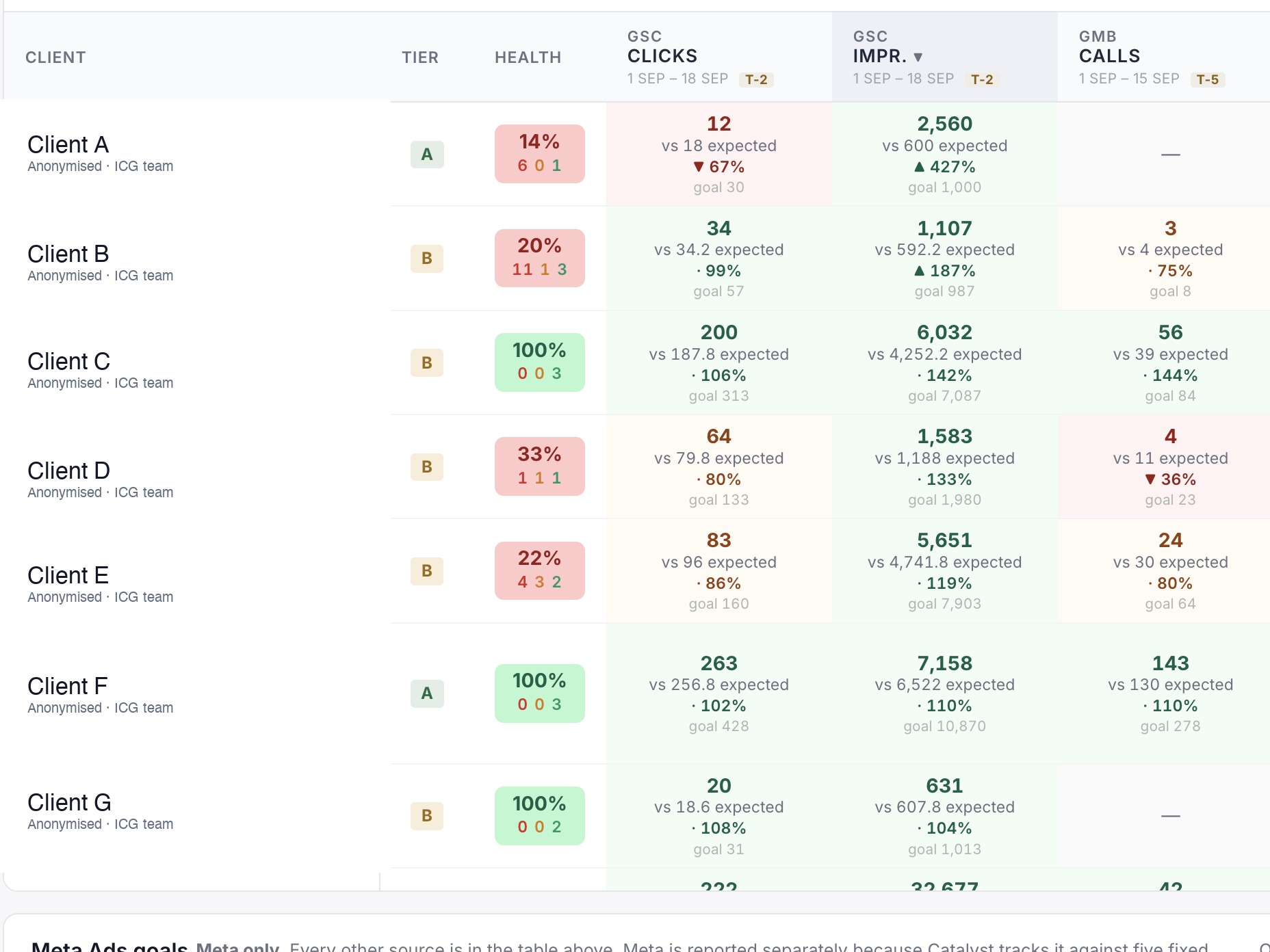
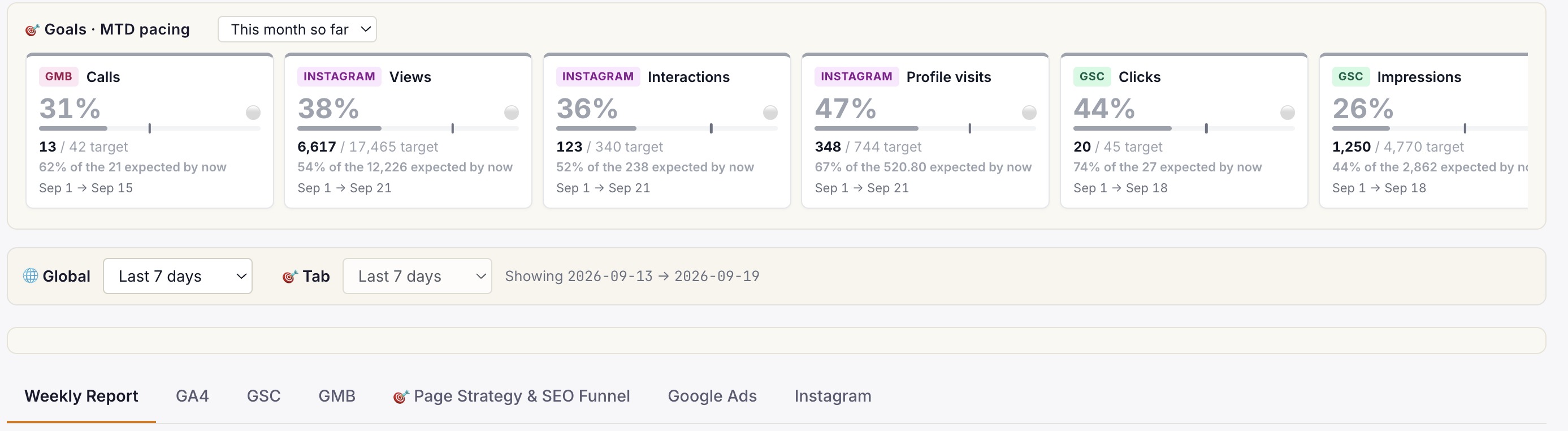
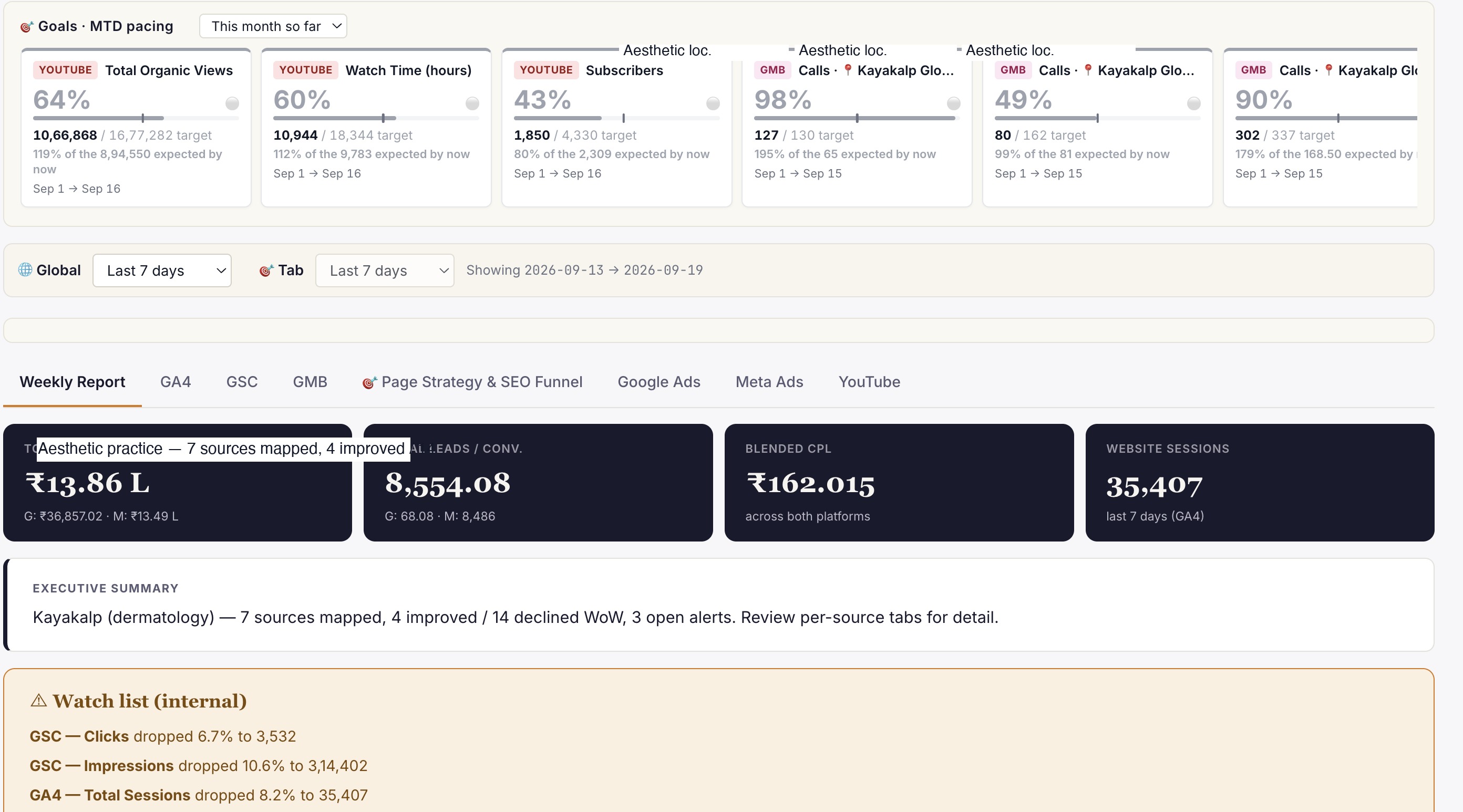
Live client dashboard. GSC, GA4, Google Ads, Meta Ads, IVR calls in one view. Login anytime, not monthly.
Phoenix
Clinic revenue intelligence over your PMS. Daily action queue: Prevent Loss, Maintain & Engage, Grow Revenue. Multi-centre rollout.
Or book a free 30-min audit to see all three in action on your account.
Healthcare brands
that already run on ICG.
A representative slice of the 150+ healthcare brands ICG has delivered for across India. Most engagements remain under NDA.


What ICG clients say · on video.
"Scale up of organic channels and business consulting. ICG has absolute domain authority in their field."
"Working with ICG transformed how we acquire IVF patients in Gurgaon. They understand the fertility journey from inquiry to consult..."
"What Ichelon accomplished — they got all my ideas and worked over 3-4 months to create an amazing, super-customised website."
Need help operationalising this?
Every ICG service is healthcare-only, NMC + DPDP-aware, and built around the patient-research patterns that drive Indian healthcare growth in 2026.
Every practice welcome — packages from ₹20,000/mo.
Goals-Driven engagements · Performance-Linked Payout Models available
More from
ICG.
Five trends shaping Indian healthcare marketing through 2027: AI-first patient research, Conversions API adoption, ABDM discovery, the AEO w...
Healthcare AIO is the discipline of getting your clinic or hospital cited inside Google AI Overviews, ChatGPT and Perplexity answers — not j...
Conversational-search advertising places brand messages inside AI chat answers — ChatGPT, Perplexity, Copilot — rather than beside a results...
Stop guessing.
Book a Diagnostic.
30 minutes. Free. With the AI-powered healthcare-only marketing agency 150+ brands already run on. No slides, no pitch, no hard close.


